Install in your browser
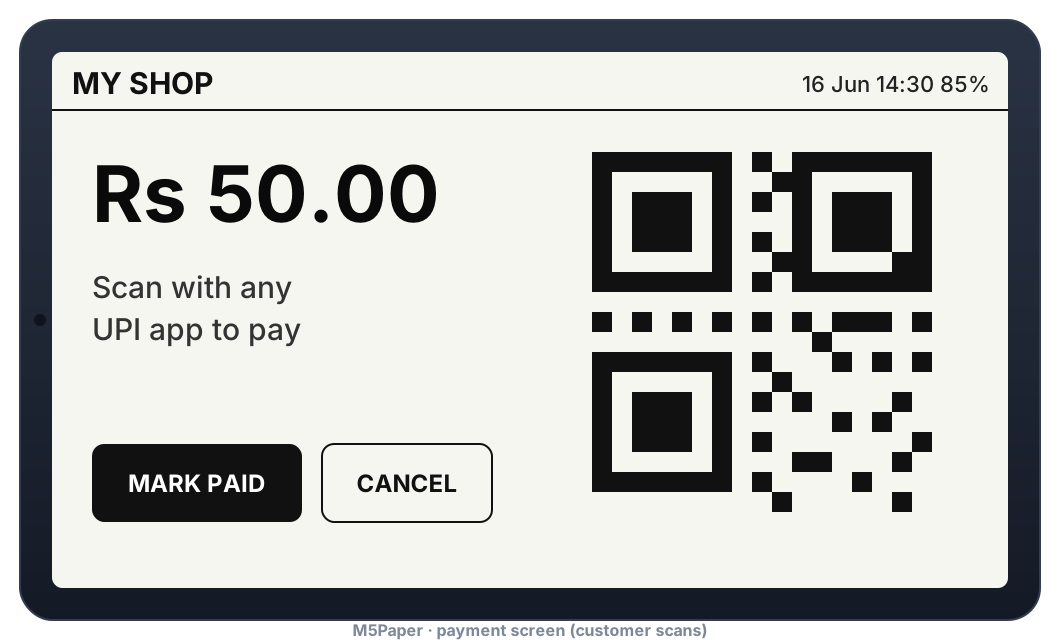
Flash M5PaperPay onto an M5Stack M5Paper from Chrome or Edge on a computer - no tools to install.
- Connect the M5Paper with a USB-C data cable and switch it on.
- Press Install and choose the serial port (CH9102 / USB-Enhanced-SERIAL).
- Wait about 3 minutes (the image includes the web dashboard). Do not unplug.
- On first start join the M5PaperPay-Setup Wi-Fi on your phone and enter your Wi-Fi and UPI ID.
A fresh install erases the M5Paper's saved settings (Wi-Fi, UPI ID, payment log).
Other ways to install: see the flashing guide.