Install in your browser
Flash AtomS3 Spirit Level onto an M5Stack AtomS3 (the one with the display and the MPU6886 motion sensor) straight from Chrome or Edge on a computer - no tools to install.
- Connect the AtomS3 with a USB-C data cable.
- Press Install and choose the serial port ("USB JTAG/serial" or "USB Serial").
- If no port shows: hold the AtomS3 button, plug in USB, release, and try again.
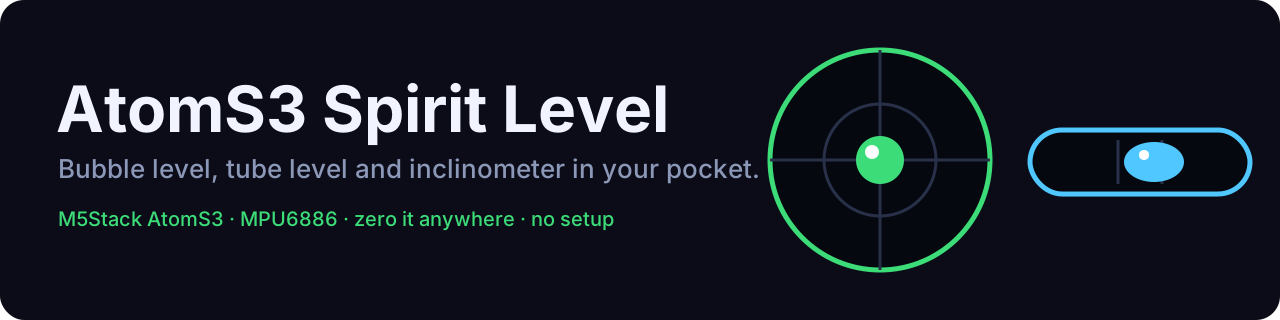
- Wait about 20 seconds, then lay it on a table and watch the bubble.
Controls: click = next mode, hold 0.6 s = zero, hold 2.2 s = reset zero.
Other ways to install (esptool, PlatformIO, M5Burner): see the flashing guide.